
Recent News
Introducing Bulk Email: New Feature in DSD Manager
Staying connected with your customers is more important than ever. Sometimes you need to send a promotion. Other times, it’s a policy update. Often, it’s something simple and time-sensitive, like sharing a statement, a price sheet, or an important notice.
That’s why we’re excited to introduce Bulk Email in DSD Manager.
Our new Bulk Email feature allows you to send a single message to many customers at once, using the customer contact data you already have in DSD Manager.
This means:
- No exporting lists
- No copying and pasting email addresses
- No switching tools
Simply put, Bulk Email is a simple and secure communication tool integrated directly into DSD Manager.
Built for Everyday Business Communication
Bulk Email in DSD Manager supports both operational messages and customer promotions, making it a versatile communication tool for your DSD team.
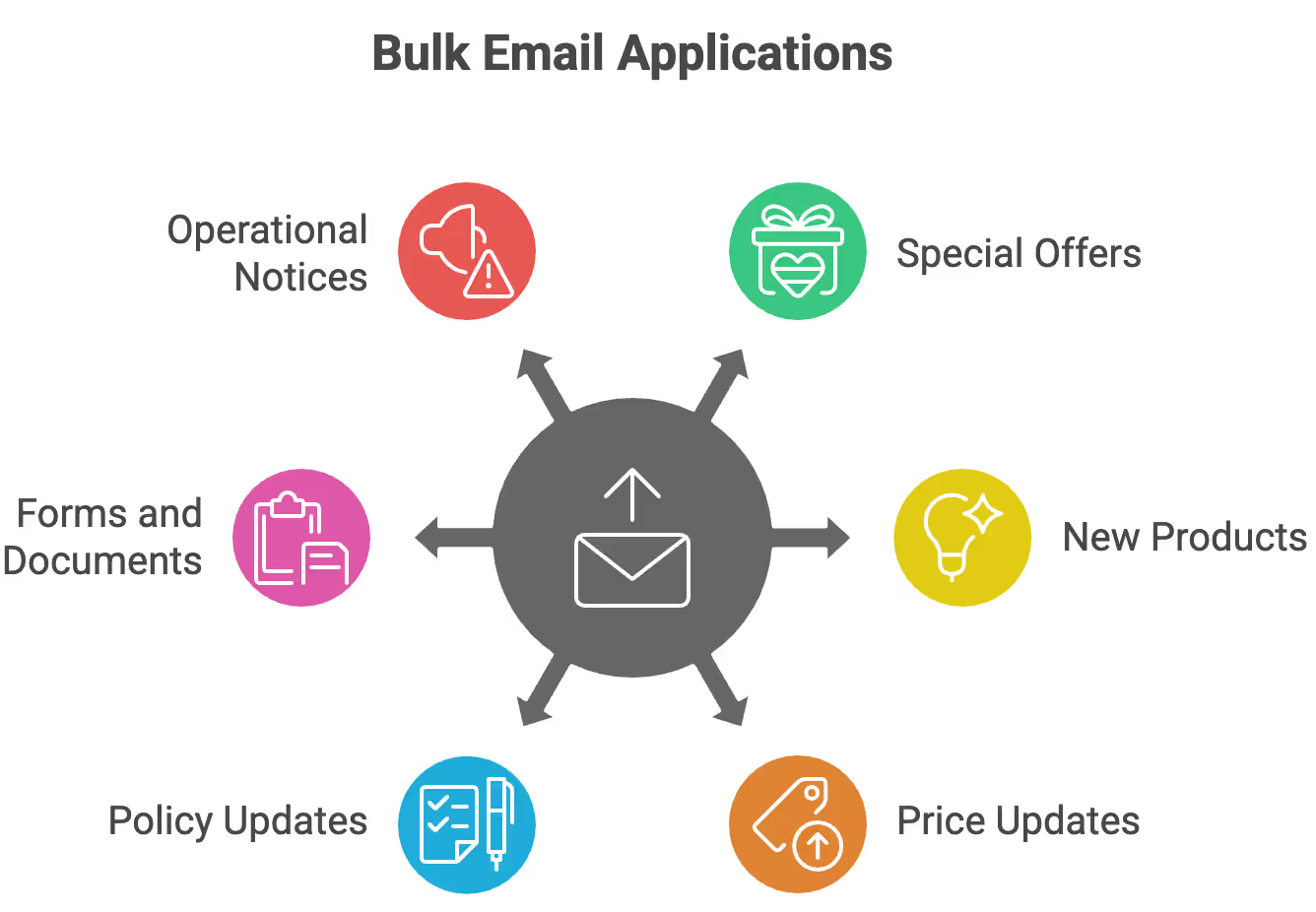
It’s ideal for sending:
- Special offers and promotions
- New product announcements
- Updated price sheets
- Policy or process updates
- Forms and documents
- Time-sensitive operational notices
- and more!
What makes it especially useful is how seamlessly it integrates into your workflow. Since it uses the customer data you already manage in DSD Manager, your team can easily launch a promotion or send an update without needing extra setup or list management.
Send with Confidence
Before sending, you can preview exactly who will receive your message. This helps ensure promotions reach the right customers and important notices don’t go to the wrong audience.
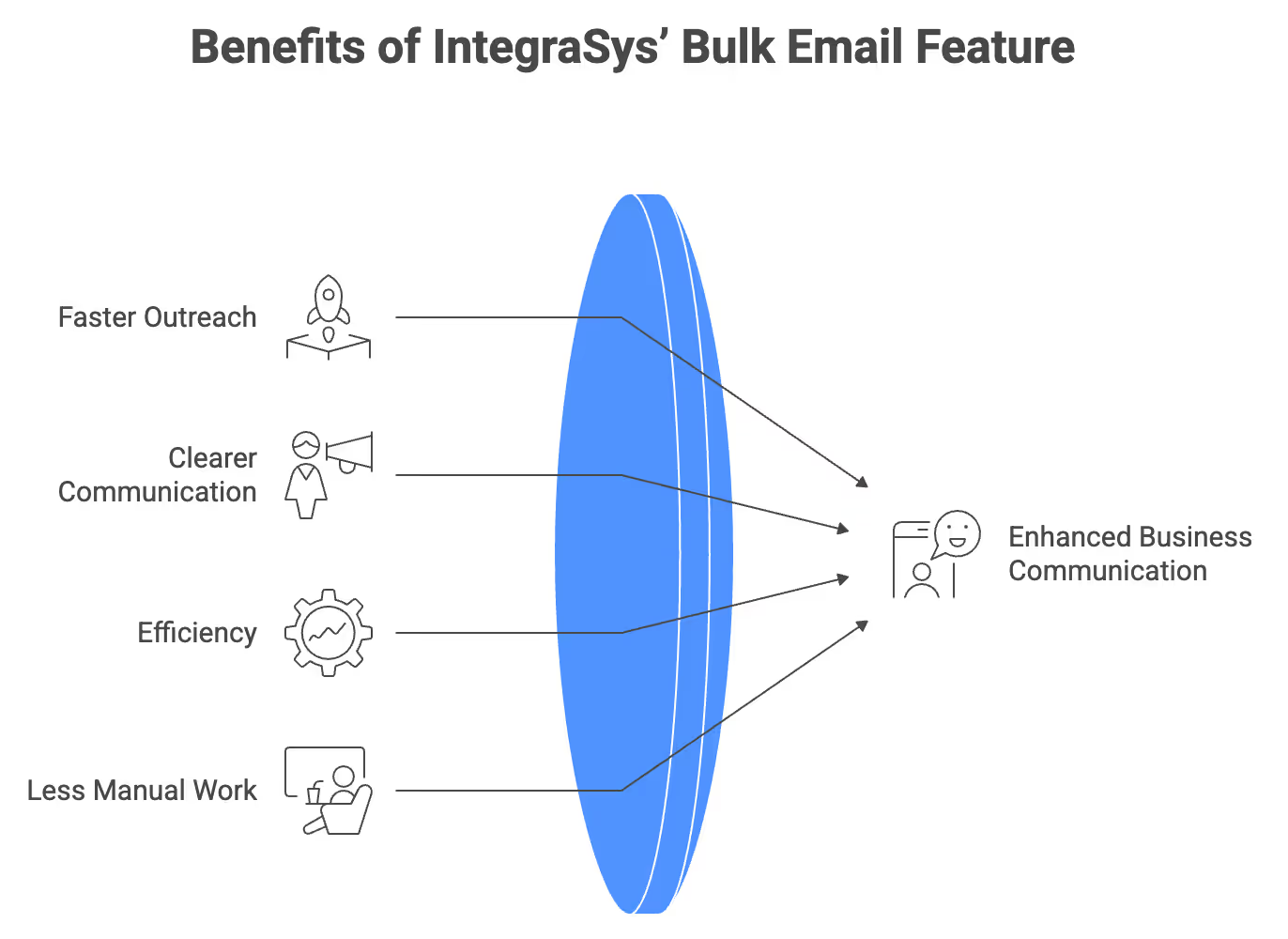
The results:
- Faster outreach for promotions
- Clearer customer communication
- Fewer mistakes
- Less manual work
Whether you’re running a special offer or sharing an important update, Bulk Email helps you communicate clearly and confidently.
Where to Find Bulk Email in DSD Manager
You’ll find the Bulk Email tool directly within DSD Manager under:
Master Data Maintenance → Bulk Email Customers
Because it resides within the system, no setup or integration is needed. Your team can access it immediately and start sending messages using your existing customer data.
Sending Your First Message
Getting Started
Once you open the Bulk Email tool, you can compose your message directly within DSD Manager.
You’ll be able to:
- Write a personalized email message
- Attach files (most commonly PDFs)
The message editor stays simple and focused, so your team can send out emails quickly without dealing with complex formatting or templates.
Choosing Recipients
After creating your message, the next step is to choose who should receive it.
DSD Manager allows you to filter recipients using data already stored in the system. For example, you can select customers based on:
- Notification flags
- Account status (such as A/R customers)
This approach keeps things simple and accurate. Instead of building lists manually, you’re using reliable system data to reach the right customers, whether it’s for a promotion or an operational update.
Preview Recipients Before Sending
Before sending your email, DSD Manager will let you preview which customers will receive it.
This is a crucial safety step. It helps your team to:
- Verify the correct customers are selected
- Identify filtering mistakes before sending
- Prevent accidental emails to the wrong accounts
Whether you’re sending a promotion or an important notice, this preview step gives you confidence that your message is going to the right people.
Saving Messages for Reuse
If you send similar emails regularly, DSD Manager allows you to save your message as a Profile for future reuse.
This is ideal for recurring communications like:
- Monthly statements
- Regular promotions
- Standard policy notices
- Frequently sent documents
Instead of rewriting the same message every time, you can just load a saved profile, make minor updates if needed, and send.
It’s another way Bulk Email helps your team work more efficiently while maintaining consistency.
Final Thoughts
Bulk Email in DSD Manager isn’t meant to replace full marketing platforms. Instead, it’s designed for what distributors actually need day to day:
- sending promotions
- sharing documents
- communicating important updates
- and reaching the right customers quickly.
Staying within DSD Manager helps your team work faster, avoid mistakes, and stay organized without switching between systems.
It’s a straightforward tool that addresses a real issue: clear, dependable communication with your customers.
Bulk Email is now available in DSD Manager version 1.110.W. Upgrade today to start using this new feature!
Streamline Your DSD
.avif)


.avif)
All Rights Reserved.